process-accordion
Файли-джерела
- index.html
section.process-section .accordion-box
Бібліотеки
jquery
Summary
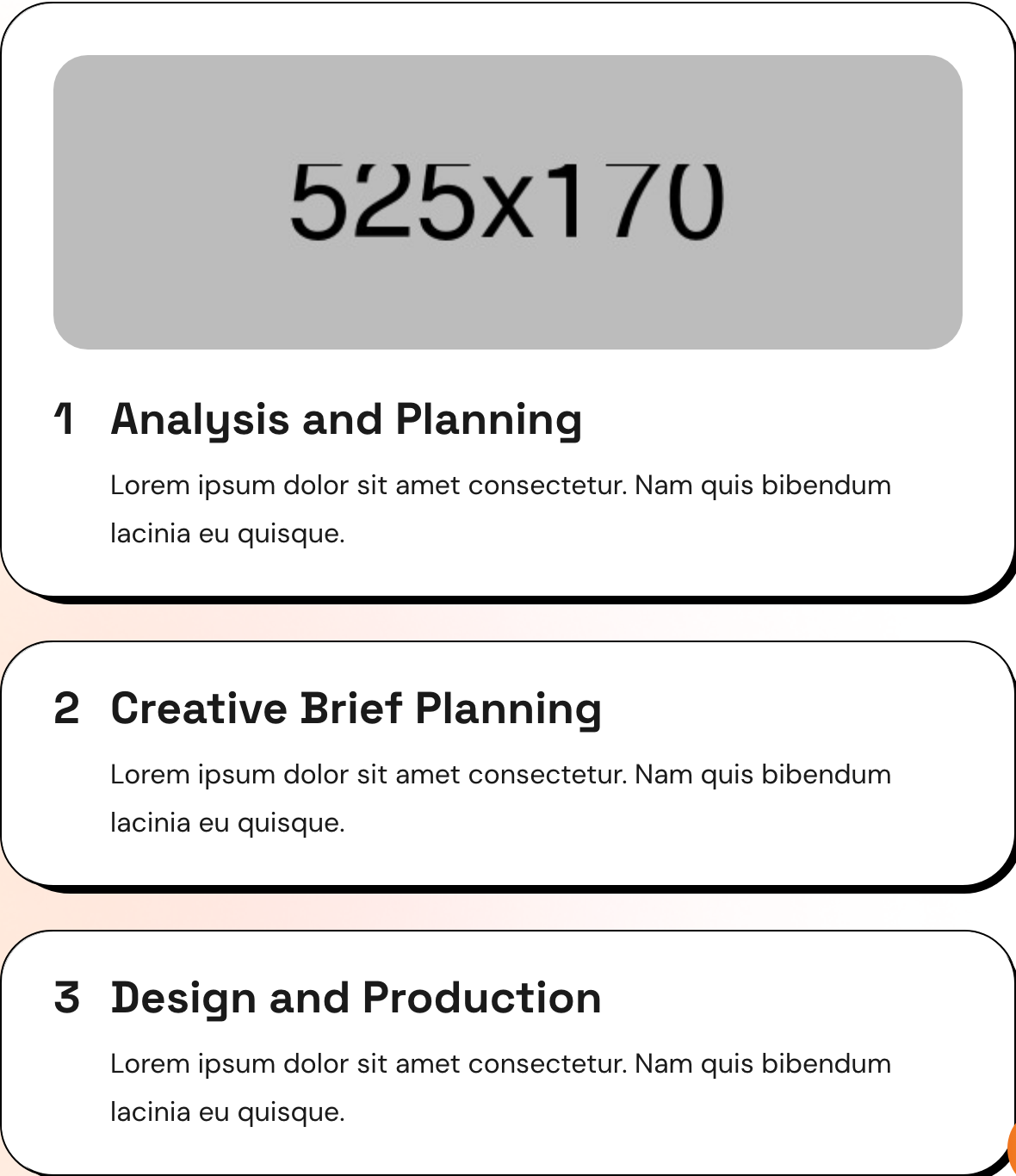
Numbered process steps stacked as an exclusive accordion. Clicking a step doesn't reveal a text drawer — it reveals an inline image above the step title, turning the accordion into a visual story carousel of the agency's workflow.
HTML structure (minimal)
<section class="process-section">
  <div class="auto-container">
    <div class="row">
      <div class="col-lg-6 title-column">
        <div class="sec-title">
          <span class="sub-title gradient-color">Our Process</span>
          <h2>The work process of our agency</h2>
          <p>Lorem ipsum dolor sit amet…</p>
        </div>
      </div>
      <div class="col-lg-6 content-column">
        <ul class="accordion-box">
          <li class="accordion block active-block block-shadow">
            <div class="acc-btn active">
              <figure class="image-box"><img src="process-1.jpg" alt=""></figure>
              <div class="title-box">
                <span class="count-text">1</span>
                <h3>Analysis and Planning</h3>
                <p>Lorem ipsum dolor sit amet…</p>
              </div>
            </div>
          </li>
          <li class="accordion block block-shadow">
            <div class="acc-btn">
              <figure class="image-box"><img src="process-1.jpg" alt=""></figure>
              <div class="title-box">
                <span class="count-text">2</span>
                <h3>Creative Brief Planning</h3>
                <p>Lorem ipsum…</p>
              </div>
            </div>
          </li>
          <!-- step 3 ... -->
        </ul>
      </div>
    </div>
  </div>
</section>
Key SCSS tokens
.content_block_two .accordion {
  padding: 20px 30px;
  margin-bottom: 25px;
  border-radius: 30px;
}
.content_block_two .accordion.active-block { padding-top: 30px; }

.content_block_two .accordion .image-box {
  position: relative;
  border-radius: 20px;
  display: none; /* hidden by default */
  padding-bottom: 22px;
}
.content_block_two .accordion.active-block .image-box { display: block; }

.content_block_two .accordion .acc-btn .title-box {
  position: relative;
  padding: 0px 30px 2px 33px;
}
.content_block_two .accordion .acc-btn .title-box .count-text {
  position: absolute; left: 0; top: 3px;
  font-family: var(--title-font);
  font-size: 26px;
  font-weight: 700;
}
Animation logic
$('.accordion-box').on('click', '.acc-btn', function() {
  var outerBox = $(this).parents('.accordion-box');
  var target   = $(this).parents('.accordion');

  if ($(this).hasClass('active') !== true) {
    $(outerBox).find('.accordion .acc-btn').removeClass('active');
  }
  if ($(this).next('.acc-content').is(':visible')) return false;

  $(this).addClass('active');
  $(outerBox).children('.accordion').removeClass('active-block');
  target.addClass('active-block');
});
Notable details
- Inverted accordion pattern — the heading is always visible, only the image swaps.
- Uses
.block-shadow(the offset-shadow primitive) so each step looks like its own card even while stacked. - The image is in the source HTML for every step, just
display: none-d until active. No async loading or carousel state.
Use when
- Methodology / process / "how we work" sections where each step has a representative photo.
- Compact stacked layouts where you want the user to scrub between steps without a full carousel.
- Long workflows that would feel cluttered as a 6-up grid.
Caveats
- Requires jQuery's
slideUp/slideDownsemantics (the click handler relies on jQuery API). - All step images load on initial page render — heavy if you have many steps with large photos.
- The acc-btn click handler is shared with FAQ-style accordions in the same template; make sure styling doesn't conflict.