why-join-accordion
Файли-джерела
- index.html
section.ul-why-join
Summary
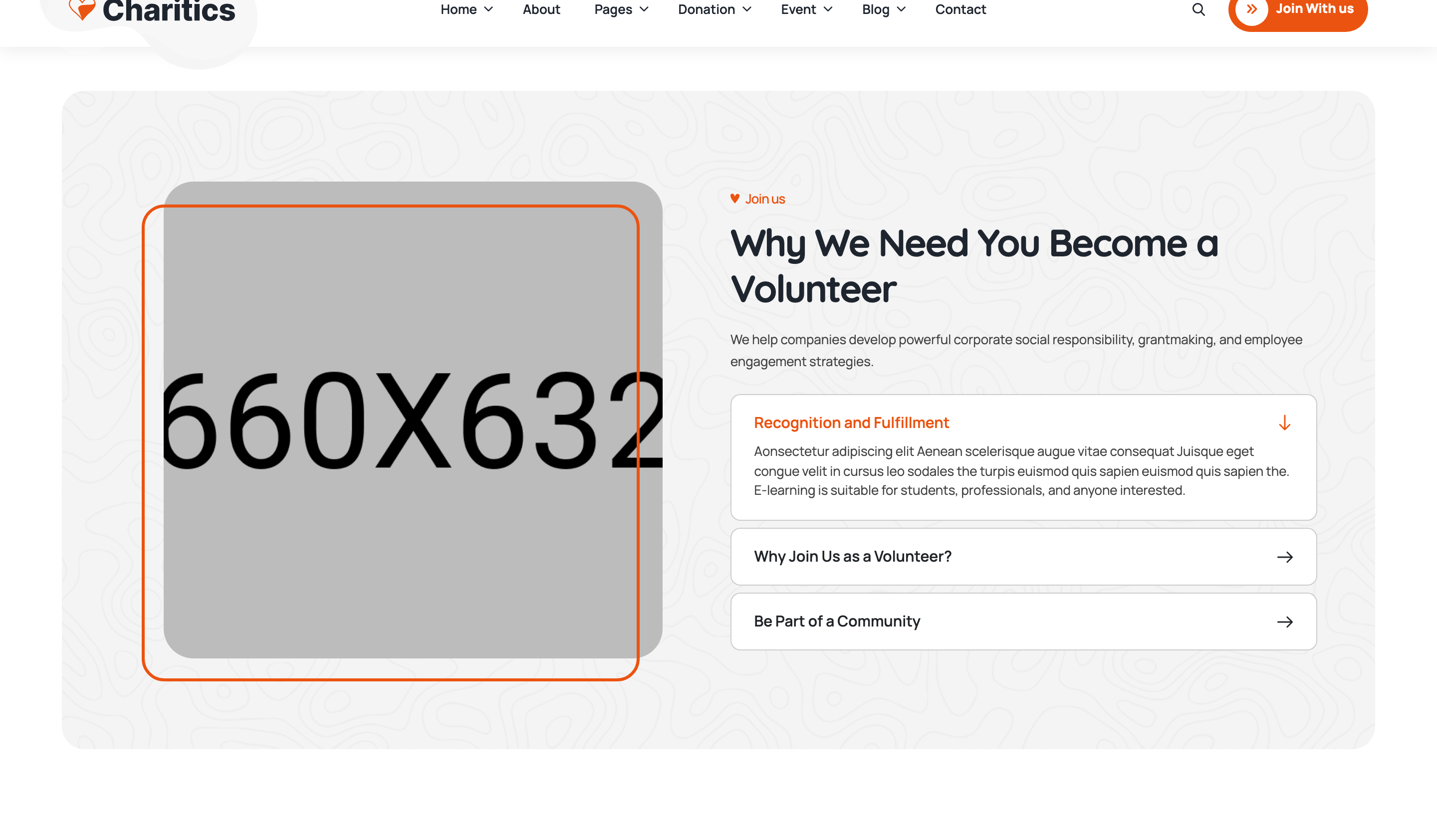
Photo-on-left, text-and-accordion-on-right "Why join us as a Volunteer?" section. The accordion uses a single-open semantic (clicking a closed item closes the previously-open one) with a chevron rotation and animated body reveal.
HTML structure (minimal)
<section class="ul-why-join ul-section-spacing">
  <div class="ul-why-join-wrapper ul-section-spacing">
    <div class="ul-container">
      <div class="row row-cols-md-2 row-cols-1 gy-4 align-items-center">
        <div class="col">
          <div class="ul-why-join-img">
            <img src="why-join.jpg" alt="">
          </div>
        </div>
        <div class="col">
          <div class="ul-why-join-txt">
            <span class="ul-section-sub-title">Join us</span>
            <h2 class="ul-section-title">Why We Need You Become a Volunteer</h2>
            <p class="ul-section-descr">We help companies develop powerful corporate social responsibility...</p>

            <div class="ul-accordion">
              <div class="ul-single-accordion-item open">
                <div class="ul-single-accordion-item__header">
                  <div class="left"><h3 class="ul-single-accordion-item__title">Recognition and Fulfillment</h3></div>
                  <span class="icon"><i class="flaticon-next"></i></span>
                </div>
                <div class="ul-single-accordion-item__body">
                  <p>Aonsectetur adipiscing elit Aenean...</p>
                </div>
              </div>
              <!-- 2 more items -->
            </div>
          </div>
        </div>
      </div>
    </div>
  </div>
</section>
Key SCSS tokens
.ul-single-accordion-item {
  border: 1px solid var(--ul-c3);
  border-radius: clamp(8px, 1.05vw, 16px);
  margin-bottom: 12px;
  overflow: hidden;
  background: var(--white);

  &__header {
    display: flex;
    align-items: center;
    justify-content: space-between;
    padding: clamp(14px, 1.20vw, 22px) clamp(16px, 1.57vw, 28px);
    cursor: pointer;
    .icon i { transition: transform .3s ease; }
  }
  &__title {
    font-family: var(--font-quicksand);
    font-size: clamp(15px, 1.05vw, 20px);
    font-weight: 700;
    margin: 0;
  }
  &__body {
    max-height: 0;
    overflow: hidden;
    transition: max-height .35s ease, padding .35s ease;
    padding: 0 clamp(16px, 1.57vw, 28px);
  }
  &.open {
    border-color: var(--ul-primary);
    .icon i { transform: rotate(90deg); }
    .ul-single-accordion-item__body {
      max-height: 400px;
      padding: 0 clamp(16px, 1.57vw, 28px) clamp(14px, 1.20vw, 22px);
    }
  }
}
Animation logic
// accordion.js — single-open behaviour, scoped per .ul-accordion container
document.querySelectorAll(".ul-accordion").forEach(accordion => {
  const items = accordion.querySelectorAll(".ul-single-accordion-item");
  items.forEach(item => {
    item.onclick = () => {
      const opened = accordion.querySelector(".ul-single-accordion-item.open");
      if (item.classList.contains("open")) {
        opened.classList.remove("open");        // click already-open item -> close
      } else {
        item.classList.toggle("open");
        if (opened) opened.classList.remove("open");
      }
    };
  });
});
Notable details
- "Single-open" pattern: opening a new item closes the currently-open one — and clicking the open item collapses it to no-open state.
- Border color flips from neutral to brand orange when open, providing a quiet "this is active" cue without changing the title color.
- Chevron rotates 90deg when open — uses
flaticon-next(right-arrow) so the rotation reads as "now pointing down". - Each
.ul-accordioncontainer is independently scoped, so multiple accordions on the same page don't interfere with each other.
Use when
- FAQs, benefits/features lists, terms-of-service blocks paired with a photo.
- Any case where the user typically reads one panel at a time and needs visual focus.
- When you want a tactile click target without dragging in a UI library.
Caveats
max-height: 400pxis a hard cap — longer copy will be clipped; bump or usemax-height: 999pxif needed.- No keyboard support out of the box (clicking only) — wrap headers in
<button>for production accessibility. - No
aria-expandedtoggling — add ARIA attributes if accessibility audit is required.