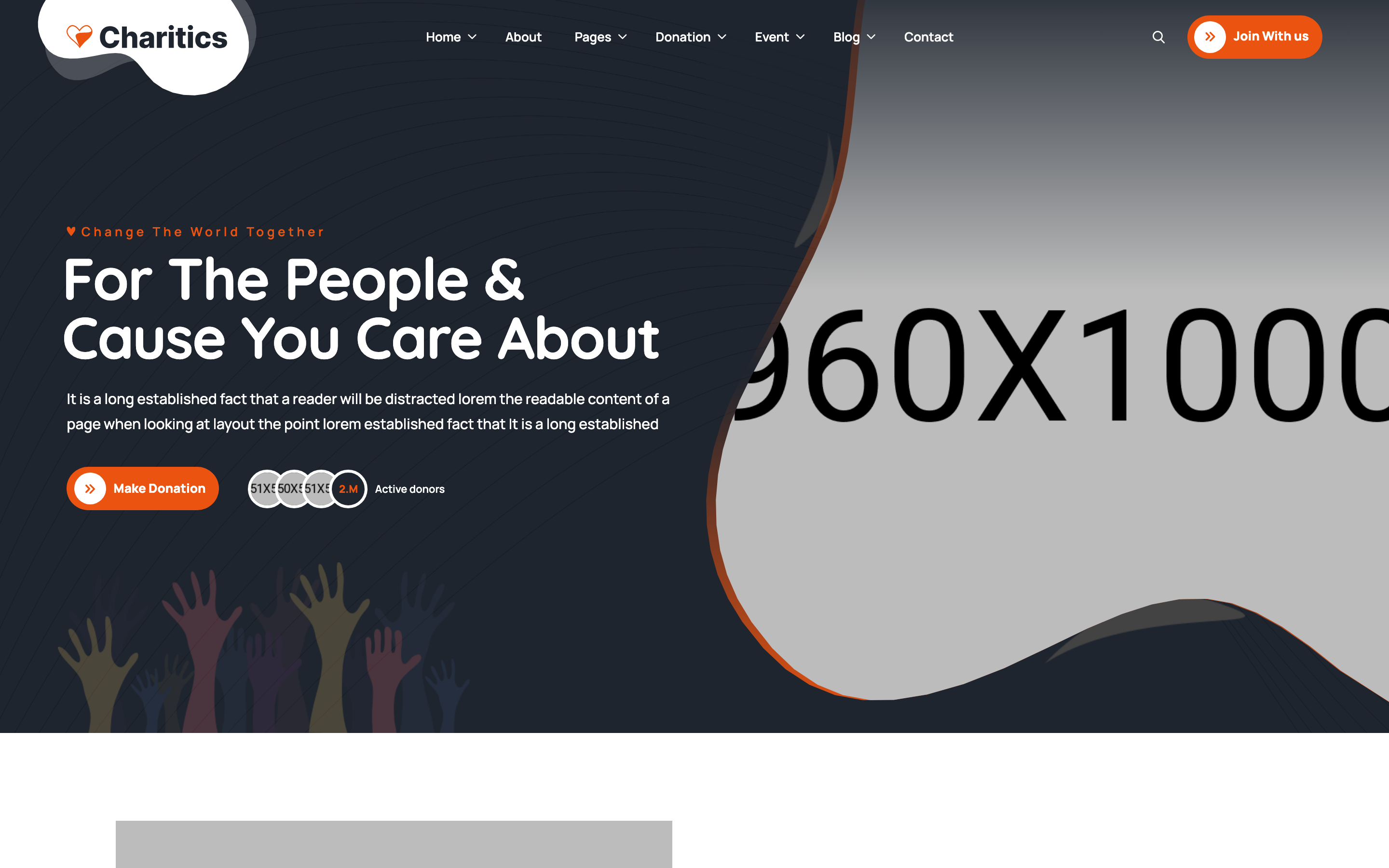
search-modal
Модалка·Шаблон: Charitics - NGO & Non Profit HTML Template·Складність анімації: subtle·Адаптивний: Так
Файли-джерела
- index.html
div.ul-search-form-wrapper
Summary
Fixed full-viewport search overlay opened from the header search button. Contains a single search input, submit icon button, and a close (X) button in the corner.
HTML structure (minimal)
<div class="ul-search-form-wrapper flex-grow-1 flex-shrink-0">
  <button class="ul-search-closer"><i class="flaticon-close"></i></button>

  <form action="#" class="ul-search-form">
    <div class="ul-search-form-right">
      <input type="search" name="search" id="ul-search" placeholder="Search Here">
      <button type="submit"><span class="icon"><i class="flaticon-search"></i></span></button>
    </div>
  </form>
</div>
Key SCSS tokens
.ul-search-form-wrapper {
  position: fixed; inset: 0;
  z-index: 99;
  background: rgba(30,37,47,.95);
  backdrop-filter: blur(8px);
  display: grid; place-items: center;
  opacity: 0; visibility: hidden;
  transition: opacity .35s ease, visibility 0s linear .35s;

  &.active {
    opacity: 1; visibility: visible;
    transition-delay: 0s;
  }
}
.ul-search-closer {
  position: absolute; top: 24px; right: 24px;
  width: 48px; height: 48px;
  border-radius: 50%;
  background: var(--white);
  color: var(--ul-black);
  display: grid; place-items: center;
}
.ul-search-form input[type="search"] {
  width: clamp(280px, 60vw, 720px);
  font-size: clamp(20px, 1.57vw, 30px);
  padding: 16px 0;
  background: transparent;
  border-bottom: 2px solid var(--white);
  color: var(--white);
  &::placeholder { color: rgba(255,255,255,.7); }
}
.ul-search-form button[type="submit"] {
  background: var(--ul-gradient);
  color: var(--white);
  width: 56px; aspect-ratio: 1;
  border-radius: 50%;
}
Animation logic
// main.js — open/close handlers toggle .active
const opener = document.querySelector(".ul-header-search-opener");
const closer = document.querySelector(".ul-search-closer");
opener.addEventListener("click", () => {
  document.querySelector(".ul-search-form-wrapper").classList.add("active");
});
closer.addEventListener("click", () => {
  document.querySelector(".ul-search-form-wrapper").classList.remove("active");
});
Notable details
- Backdrop blur (
backdrop-filter: blur(8px)) gives the overlay a frosted glass feel against the underlying page — modern look with one CSS line. - Visibility transition is delayed so the modal fully fades out before becoming non-interactive — common modal a11y pattern.
- Input is a thin underlined field rather than a boxed input, giving more focus to typed query.
- Close button is a circular white pill in the top-right corner — readable against the dark overlay regardless of underlying page state.
Use when
- Site-wide search triggered from the header.
- Templates where you want a modal-style search rather than an inline expanding input.
- When you need a clean focus state with backdrop blur.
Caveats
- Inherently hidden until clicked — at 1440x900 first paint the modal has
visibility: hiddenand zero opacity, so the screenshot pipeline will likely fall back to the palette-gradient placeholder. - No focus trap or ESC key handler — production accessibility needs both.
<form action="#">reloads the page on submit; replace with fetch handler for SPA-like behaviour.