services-grid
Картка послуги·Шаблон: Kanun - Attorney & Law Agency HTML Template·Складність анімації: subtle·Адаптивний: Так
Файли-джерела
- index.html
section.service-section
Бібліотеки
bootstrapaos
Summary
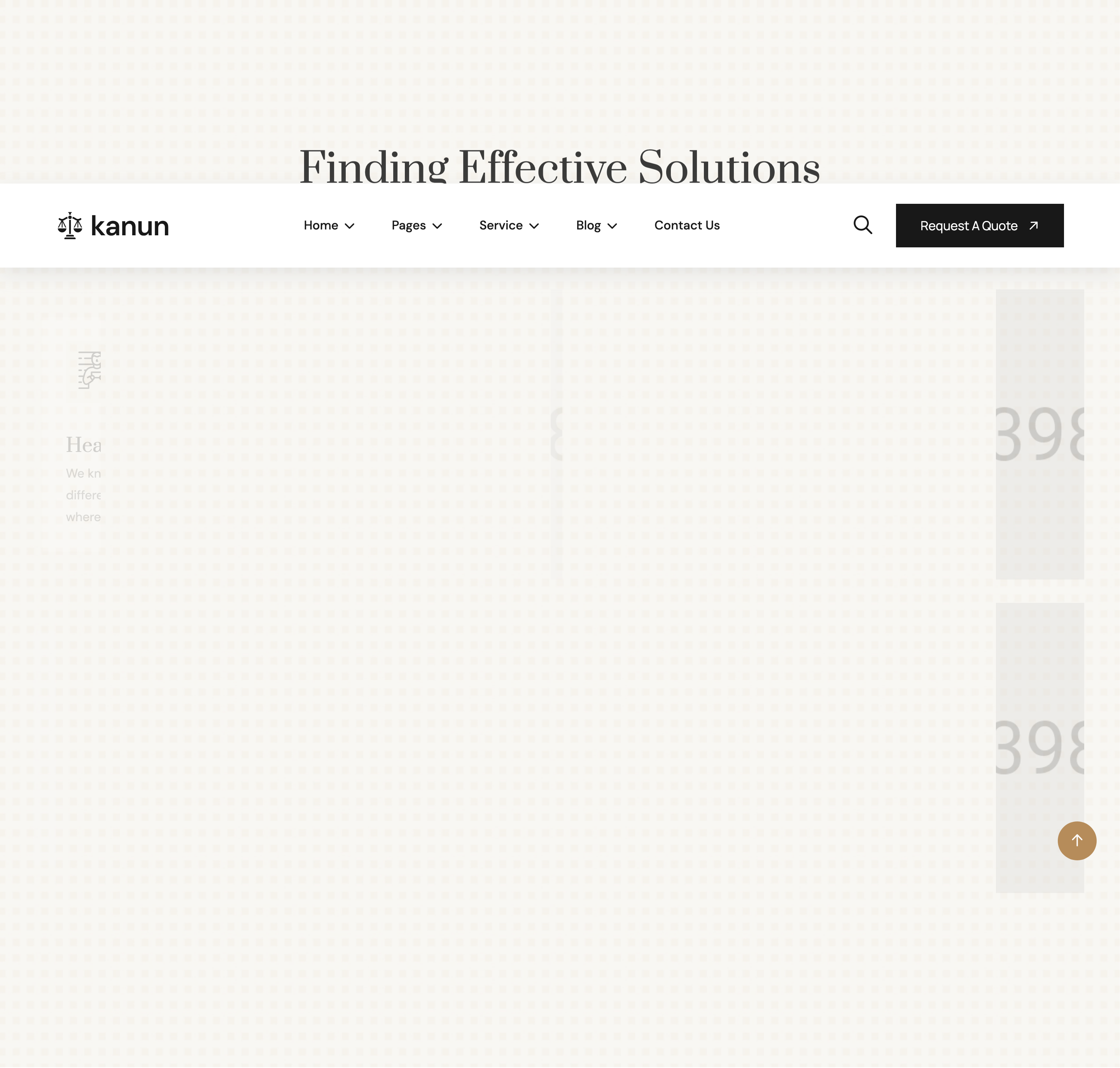
Four-cell service block (Health Care Law, Insurance Law, Family Violence, Education Law) on a photographic background. Each cell pairs a card (icon + title + paragraph) with a square photo, alternating left- and right-direction reveals so the eye zigzags across the grid.
HTML structure (minimal)
<section class="service-section section-padding fix bg-cover" style="background-image: url(assets/img/service/bg.jpg);">
  <div class="container">
    <div class="section-title text-center">
      <span class="sub-title">OUR SERVICES</span>
      <h2>Finding Effective Solutions <br>Outside Courtroom</h2>
    </div>
    <div class="row">
      <div class="col-lg-6">
        <div class="service-main-items">
          <div class="service-card img-custom-anim-left wow">
            <div class="icon"><i class="flaticon-prisoner"></i></div>
            <div class="content">
              <h4><a href="service-details.html">Health Care Law</a></h4>
              <p>We know everyone’s retirement path looks different...</p>
            </div>
          </div>
          <div class="service-image img-custom-anim-right wow">
            <img src="assets/img/service/01.jpg" alt="">
          </div>
        </div>
      </div>
      <!-- 3 more (col-lg-6) cells with alternating anim directions -->
    </div>
    <div class="service-btn text-center mt-5">
      <a href="service-details.html" class="theme-btn">See All Services</a>
    </div>
  </div>
</section>
Key SCSS tokens
.service-section {
  padding-block: 120px;
  position: relative;
  &::before { content: ""; position: absolute; inset: 0; background: rgba(0,0,0,0.55); }
  > .container { position: relative; z-index: 2; }
  .section-title h2 { color: var(--white); font-family: "Prata"; }
}
.service-main-items {
  display: grid;
  grid-template-columns: 1fr 1fr;
  gap: 24px;
  margin-bottom: 32px;
  .service-card {
    background: var(--white);
    padding: 40px 32px;
    border-radius: 6px;
    .icon { color: var(--theme); font-size: 56px; margin-bottom: 16px; }
    h4 a { font-family: "Prata"; color: var(--header); }
  }
  .service-image img { width: 100%; aspect-ratio: 1/1; object-fit: cover; }
}
Animation logic
// WOW.js triggers .img-custom-anim-left / -right which mask the element
// and slide it in horizontally on scroll-in.
new WOW().init();

// Service hover trick (defined for .service-items wrapper, separate
// component on other pages — see highlights):
serviceItems.forEach((item) => {
  item.addEventListener("mousemove", (e) => {
    const box = item.getBoundingClientRect();
    item.children[2].style.transform =
      `translate(${e.clientX - box.x}px, ${e.clientY - box.y}px) rotate(28.57deg)`;
  });
});
Notable details
- Each row alternates
img-custom-anim-left/-rightso the card+photo pair appears to slide together from opposite edges — gives the grid intentional rhythm. - Photographic dark overlay is achieved with a
::beforeandvar(--white)text + bronze accents for clear hierarchy. - The card and image share a 1:1 column in
.service-main-items, allowing the photo to be perfectly square regardless of card height.
Use when
- Law / consulting / accounting service catalogues where each service deserves a hero photograph.
- You want a 2x2 services grid that feels editorial rather than tile-y.
Caveats
- The service-hover-cursor trick (vanilla JS in
main.js:274-287) is wired for.service-items(note: different class, used in alternate templates). It does not fire on this.service-cardmarkup as-is.