popular-publications
Файли-джерела
- home-1.html
section div.row a.mil-blog-card
Бібліотеки
gsapscrolltrigger
Summary
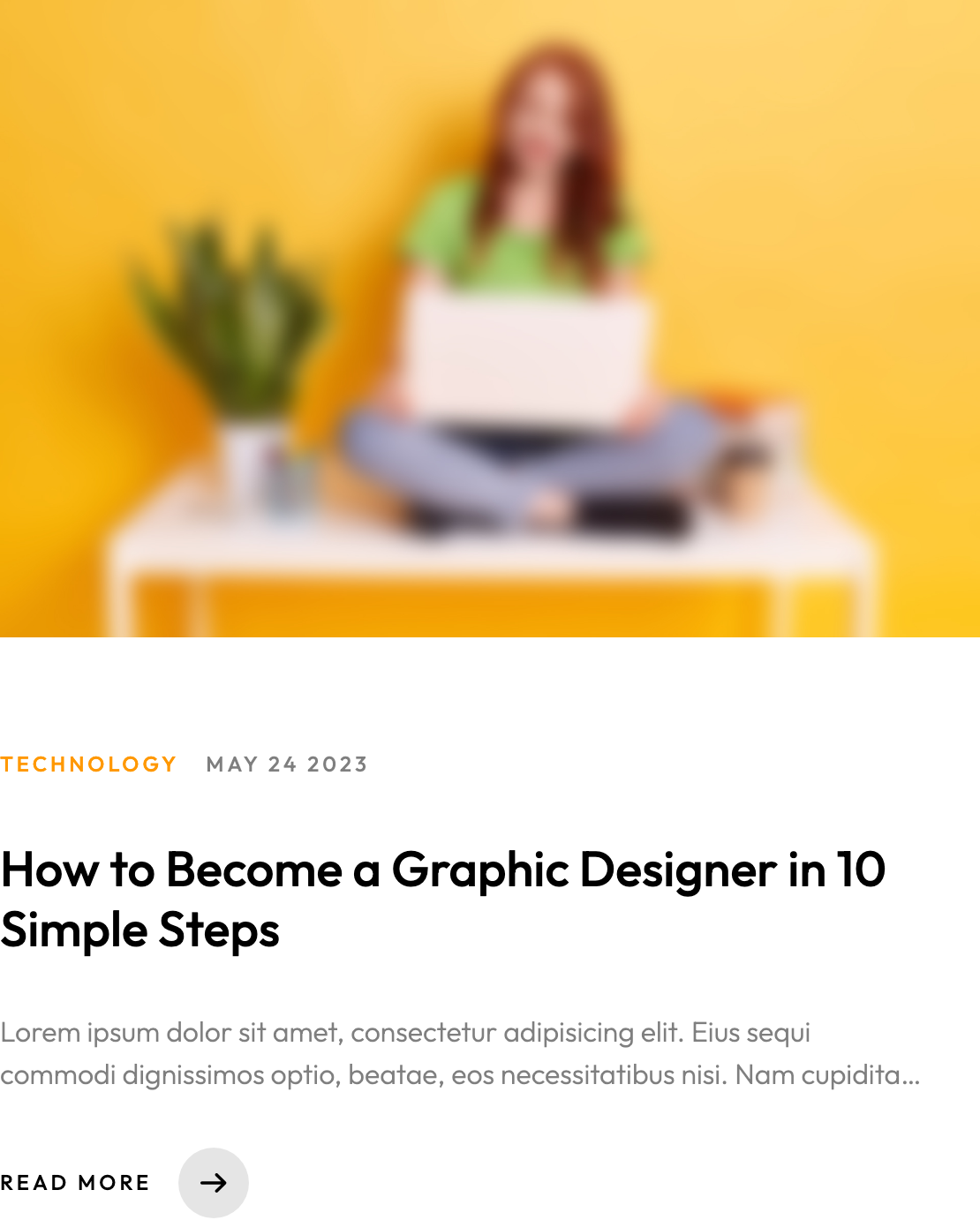
Two-column blog teaser grid. Each card is a single anchor wrapping a 65% padding-bottom cover frame, two upper labels (category in accent, date in default), an h4 headline, a 2-line clamped intro paragraph, and a Read more arrow link. Section header pairs an Popular Publications: h3 left with a View all link right.
HTML structure (minimal)
<section>
  <div class="container mil-p-120-60">
    <div class="row align-items-center mil-mb-30">
      <div class="col-lg-6 mil-mb-30"><h3 class="mil-up">Popular Publications:</h3></div>
      <div class="col-lg-6 mil-mb-30">
        <div class="mil-adaptive-right mil-up">
          <a href="blog.html" class="mil-link mil-dark mil-arrow-place"><span>View all</span></a>
        </div>
      </div>
    </div>
    <div class="row">
      <div class="col-lg-6">
        <a href="publication.html" class="mil-blog-card mil-mb-60">
          <div class="mil-cover-frame mil-up"><img src="img/blog/1.jpg" alt="cover"></div>
          <div class="mil-post-descr">
            <div class="mil-labels mil-up mil-mb-30">
              <div class="mil-label mil-upper mil-accent">TECHNOLOGY</div>
              <div class="mil-label mil-upper">may 24 2023</div>
            </div>
            <h4 class="mil-up mil-mb-30">How to Become a Graphic Designer in 10 Simple Steps</h4>
            <p class="mil-post-text mil-up mil-mb-30">Lorem ipsum dolor sit amet…</p>
            <div class="mil-link mil-dark mil-arrow-place mil-up"><span>Read more</span></div>
          </div>
        </a>
      </div>
      <!-- second card -->
    </div>
  </div>
</section>
Key SCSS tokens
.mil-blog-card {
  display: block;
  & .mil-cover-frame {
    position: relative; overflow: hidden;
    padding-bottom: 65%; margin-bottom: 30px;
    & img {
      width: 100%; height: 100%; object-fit: cover; object-position: center;
      position: absolute; top: 0; left: 0;
      transition: $t-md;
    }
  }
  & .mil-post-descr {
    padding: 30px 30px 0 0;
    & .mil-post-text {
      text-overflow: ellipsis;
      display: -webkit-box;
      -webkit-line-clamp: 2;
      -webkit-box-orient: vertical;
      overflow: hidden;
    }
  }
  &:hover .mil-cover-frame img { transform: scale(1.05); }
}
Animation logic
// each interior block (cover, labels, headline, text, read-more) carries its own .mil-up
// so they sequence in slightly offset as the section enters via scrollTrigger.
// no per-card JS.
Notable details
- Whole card is one anchor — accessible single hit area, simple semantics.
- 65% aspect ratio cover is a deliberately wider-than-square format that suits two-column layouts; pair with portrait-tall heroes for visual contrast.
- Intro is clamped to exactly 2 lines via webkit-line-clamp — predictable card heights regardless of copy length.
- Accent category label uses the same Outfit family with letter-spaced uppercase, so the typography hierarchy doesn't depend on a second font.
Use when
- Blog landing or home-page editorial preview blocks where you want clean rectangles, not magazine-style overlays.
- Sites that need a category pill without colored chips —
mil-accenttext + uppercase reads as a chip without the visual weight. - Templates aiming for predictable card heights to keep grids tidy.
Caveats
-webkit-line-clampis Webkit-prefixed but well-supported in modern browsers; legacy IE will overflow.- Cover hover-zoom is the only interactive feedback — there's no shadow/elevation change, so the card reads as flat at rest. If interactivity is wanted, layer a subtle
transform: translateY(-2px)on hover.